For accounting practices and growing businesses, choosing the right accounting software can have a major impact on efficiency, collaboration, reporting and cost.
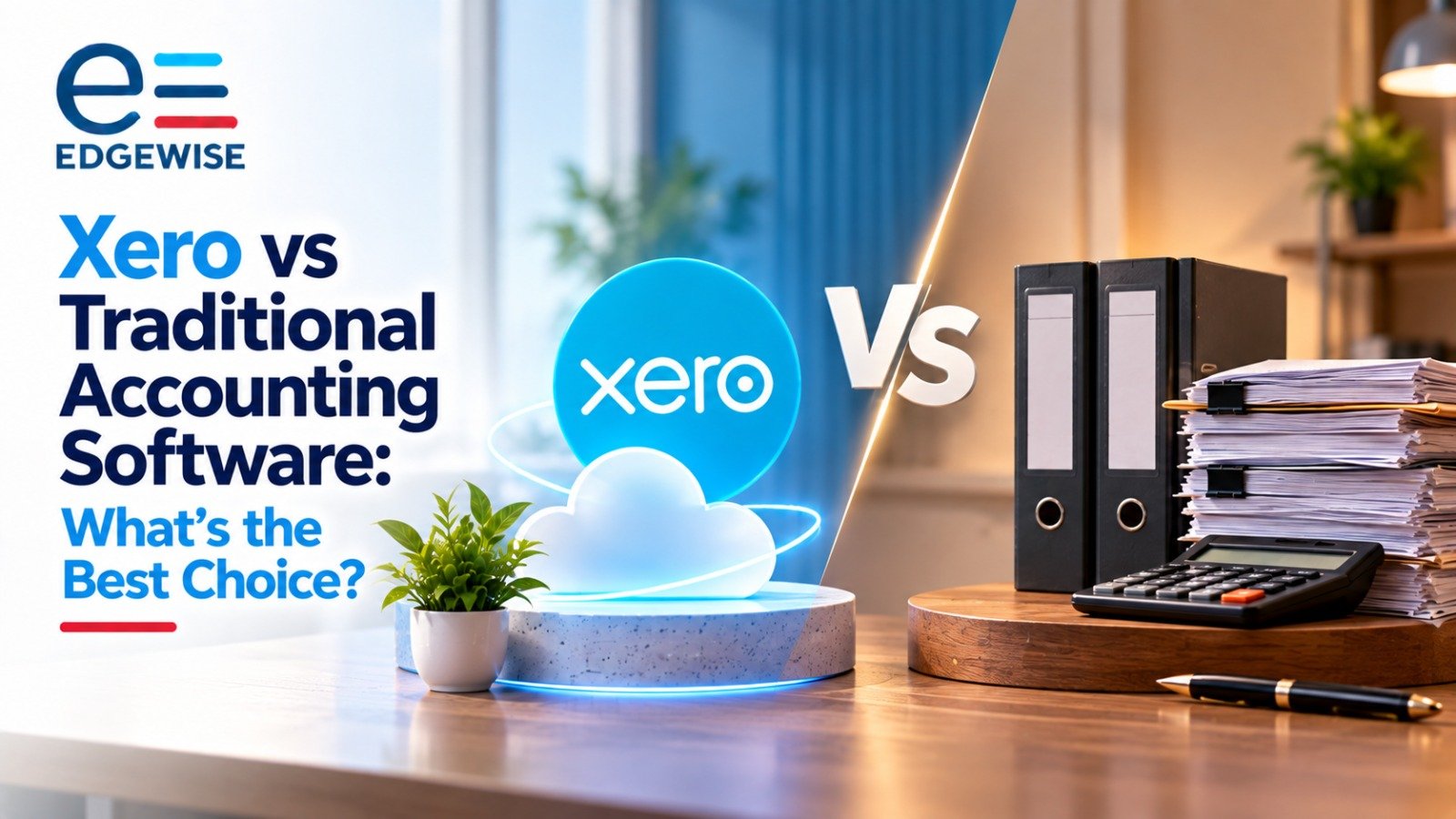
One of the most common comparisons is between traditional desktop accounting software and cloud-based platforms such as Xero.
Neither option is automatically better in every situation.
The right choice depends on factors such as:
- Number of users;
- Size of the business or accounting practice;
- Remote-working requirements;
- Transaction volumes;
- Software budget;
- Existing workflows; and
- Future growth plans.
This guide looks at the practical differences between Xero and traditional accounting software to help businesses make a more informed decision.
What Is Traditional Accounting Software?
Traditional accounting software is generally installed on a local desktop computer or internal server.
Examples may include desktop-based versions of accounting systems such as Sage or older editions of QuickBooks Desktop.
Data is usually stored locally, and users access the system from specific devices or through an internal network.
Traditional systems have been widely used for many years and are often valued for their familiarity, stability and ability to handle detailed accounting processes.
Key Advantages
Traditional accounting software may offer:
- Familiar workflows for experienced staff;
- Strong local control over data;
- Customisation options;
- Reliable processing for established accounting processes; and
- Suitability for organisations with complex or high-volume transactions.
Key Limitations
However, traditional systems may also involve:
- Limited remote access;
- Dependence on local hardware;
- Manual software updates;
- Server maintenance;
- Backup responsibilities;
- More complex multi-user arrangements; and
- Additional IT support requirements.
These limitations can become more noticeable as teams move towards remote and collaborative working.
What Is Xero?
Xero is a cloud-based accounting platform.
Instead of installing the software on a local computer, users access the system online through an authorised login.
This means accounting information can be accessed from different locations and devices, subject to appropriate permissions and security controls.
Xero is widely used by businesses and accounting practices because of its emphasis on automation, integrations and collaboration.
Key Features of Xero
Xero can support:
- Bank feeds;
- Bank reconciliation;
- Invoicing;
- Expense management;
- Accounts payable;
- Financial reporting;
- Multi-user access;
- Cloud-based document sharing; and
- Integration with other business applications.
For businesses with teams working across different locations, cloud access can significantly simplify day-to-day accounting processes.
Xero vs Traditional Accounting Software: Key Differences
1. Access and Remote Working
Traditional systems are usually linked to a particular computer, office network or server.
Remote access may therefore require:
- VPN access;
- Remote desktop solutions; or
- Additional IT infrastructure.
Xero is cloud-based, which allows authorised users to access accounting information online from different locations.
This can be particularly useful for:
- Remote teams;
- External accountants;
- Bookkeepers;
- Business owners; and
- Outsourced finance teams.
2. Collaboration
Collaboration can be more difficult in traditional file-based systems, especially where users need to exchange files or avoid working on the same data at the same time.
Cloud-based platforms are designed for concurrent access.
With Xero, multiple authorised users can generally access the same accounting data while permissions can be controlled according to role.
This may make communication between businesses, accountants and outsourced teams more efficient.
3. Software Updates
Traditional accounting software may require users or IT teams to download and install updates.
Cloud software is generally updated by the software provider.
This means users can typically access the latest version without carrying out separate installation procedures.
4. Data Backup and Infrastructure
With traditional software, the business may need to manage:
- Servers;
- Local backups;
- Hardware replacement;
- Storage; and
- Disaster recovery.
With cloud accounting software, much of the underlying infrastructure is managed by the provider.
However, businesses must still maintain appropriate security practices, including:
- Strong passwords;
- Multi-factor authentication;
- Correct user permissions; and
- Regular access reviews.
5. Cost Structure
Traditional and cloud accounting systems usually have different pricing models.
Traditional Software
Costs may include:
- Upfront software licences;
- Hardware;
- Server infrastructure;
- IT support;
- Software upgrades; and
- Backup arrangements.
Xero
Xero generally operates through a subscription model.
This may make costs easier to budget on a monthly basis, although total costs can increase where businesses require:
- Higher-tier plans;
- Additional applications;
- Integrations; or
- Multiple entities.
The most appropriate comparison is therefore total cost of ownership, rather than simply comparing the software licence or subscription fee.
6. Automation
One of the major advantages of modern cloud accounting platforms is automation.
Xero can help automate or simplify areas such as:
- Bank transaction imports;
- Transaction matching;
- Recurring invoices;
- Payment reminders;
- Reconciliation; and
- Integration with supporting systems.
Automation can reduce repetitive data entry, although transactions and reports still require appropriate review.
7. Scalability
Cloud accounting may make it easier to add users, integrations and workflows as a business grows.
Traditional systems may also scale, but growth can sometimes require additional:
- Server capacity;
- Software licences;
- Network infrastructure; and
- IT administration.
For a growing organisation, scalability should therefore be considered before selecting a platform.
Quick Comparison: Xero vs Traditional Software
| Area | Xero | Traditional Software |
|---|---|---|
| Access | Cloud-based | Primarily local/server-based |
| Remote Working | Generally easier | May require additional setup |
| Multi-user Collaboration | Strong | Can be more restricted |
| Updates | Managed by provider | May require installation |
| Infrastructure | Lower local infrastructure requirement | May require servers/hardware |
| Pricing | Subscription-based | Licence + infrastructure costs |
| Automation | Strong | Depends on product |
| Integrations | Broad cloud ecosystem | May be more limited |
| Local Control | Lower | Higher |
| Scalability | Generally flexible | May require additional infrastructure |
Which Option Is Better?
The answer depends on the business.
Xero May Be More Suitable If:
- Employees work remotely;
- Several users need simultaneous access;
- Automation is a priority;
- The business wants to reduce local IT infrastructure;
- External accountants or bookkeepers need access; or
- The business expects to grow or integrate more applications.
Traditional Software May Be More Suitable If:
- The business already has a stable and established system;
- Staff are highly familiar with the existing software;
- Local control is a priority;
- Internet connectivity is unreliable;
- Highly specialised workflows depend on the existing system; or
- Migration would create significant operational disruption.
The decision should therefore be based on actual workflow requirements rather than simply choosing whichever platform is newer.
Software Alone Does Not Solve Capacity Problems
Accounting technology can improve efficiency, but it does not eliminate the underlying workload.
Even with automation, businesses and accounting practices still need people to:
- Review transactions;
- Resolve reconciliation differences;
- Prepare accounts;
- Maintain ledgers;
- Process tax information;
- Prepare management reports; and
- Investigate unusual items.
This is where outsourcing can complement the software being used.
A well-structured outsourced accounting team can work within either a cloud or traditional accounting environment and provide additional capacity without requiring a business to expand its internal finance team immediately.
Combining Xero With Outsourced Accounting Support
Xero can be particularly effective when combined with a structured outsourced accounting process.
For example:
Bank feeds and automation → Outsourced processing → Reconciliation → Review → Management reporting
This model can help businesses and accounting practices use technology for repetitive tasks while retaining proper human review.
Outsourcing may support:
- Transaction processing;
- Bank reconciliations;
- Accounts payable and receivable;
- Ledger review;
- Month-end close;
- Management accounts;
- Year-end schedules; and
- Tax working papers.
Technology and outsourcing therefore work best as complementary tools rather than alternatives.
Why Choose Edgewise Training Solutions Pvt Ltd?
At Edgewise Training Solutions Pvt Ltd, we support businesses and accounting practices across both cloud-based and traditional accounting environments.
Our team can assist with:
- Xero bookkeeping and accounting support;
- Bank and credit card reconciliations;
- Accounts payable and receivable;
- Ledger scrutiny;
- Month-end accounting;
- Management accounts;
- Financial reporting;
- Year-end schedules;
- Accounting clean-up; and
- Structured outsourced accounting workflows.
Our focus is on accuracy, consistency, process discipline and reviewer-ready output.
Whether your organisation already uses Xero, is considering a migration, or continues to operate through traditional accounting software, Edgewise can provide additional accounting capacity without requiring unnecessary disruption to your existing processes.
We work around the client’s accounting environment rather than forcing the client to redesign its entire workflow around us.
Disclaimer
This article is provided by Edgewise Training Solutions Pvt Ltd for general information and educational purposes only.
It does not constitute accounting, tax, legal, financial, technology or software advice and should not be relied upon as a substitute for advice based on your organisation’s specific circumstances.
Software features, pricing, integrations and subscription plans may change over time. Businesses should therefore review the latest information provided by the relevant software provider before making purchasing or migration decisions.
The suitability of Xero or any traditional accounting platform will depend on factors including business size, existing systems, transaction volumes, security requirements, regulatory obligations and operational needs.
Organisations should conduct appropriate technical, financial and operational assessments before implementing or migrating accounting software and obtain professional advice where required.